
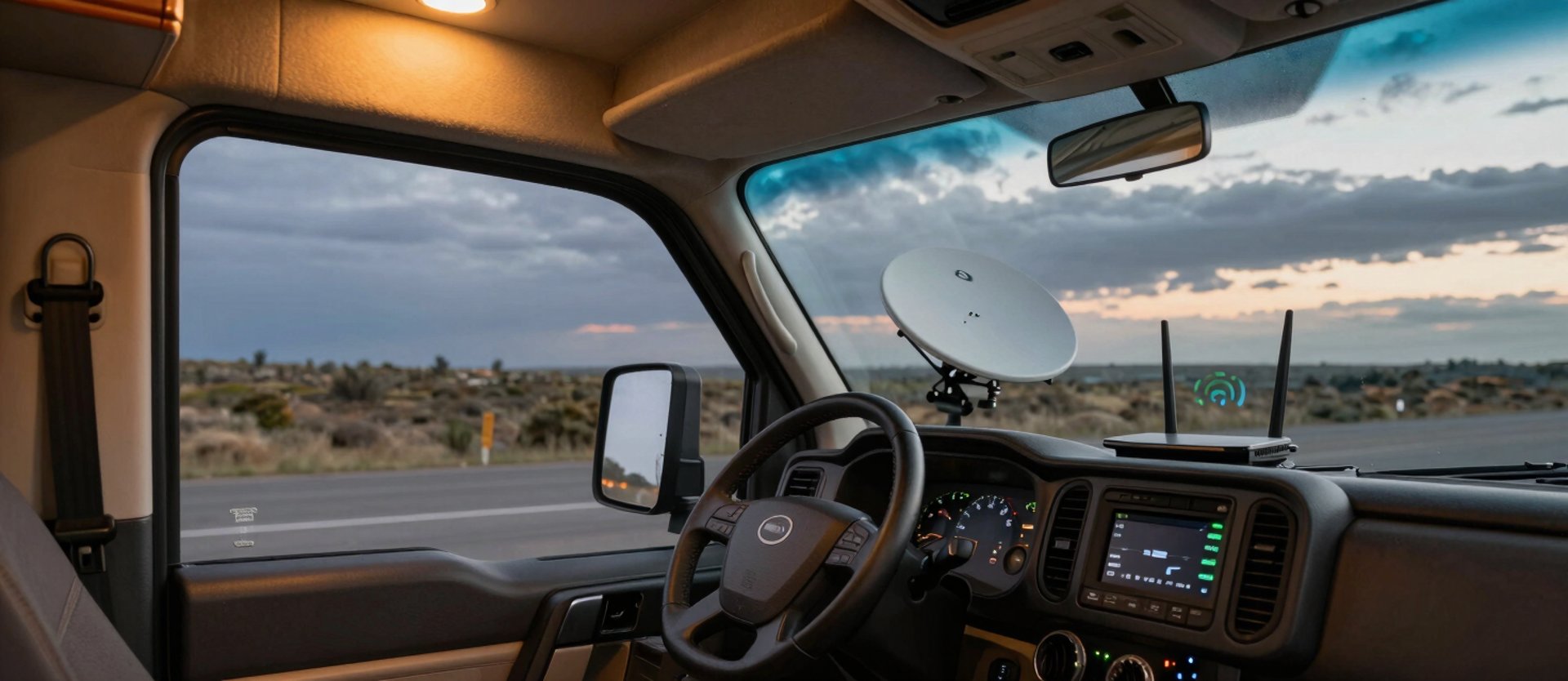
Fix your signal. Step by step, for your actual setup.
Every guide here comes from a real field installation — Starlink, T-Mobile, boosters, and point-to-point. Find your problem and follow the exact steps.
Common setups, solved in detail
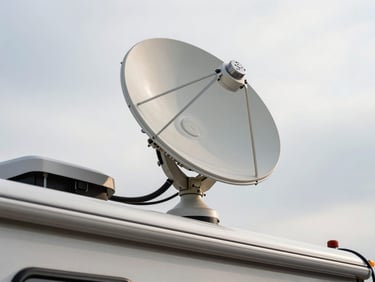
Starlink on an RV: full install walkthrough
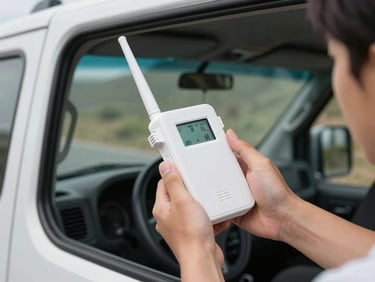
Weak cell signal in your van: booster placement guide
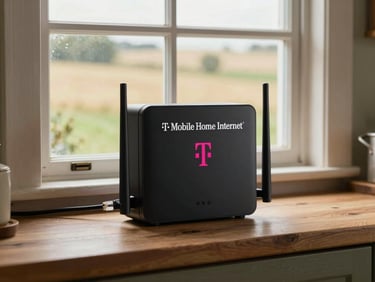
T-Mobile Home Internet: rural placement that works
Mount position, cable routing, obstruction checks, and app configuration — every step from unboxing to first connection.
Which antenna goes outside, which stays inside, and how far apart — placement decisions that change signal strength by three bars.
Gateway window placement, band-locking for rural towers, and when to add an outdoor antenna for a real speed difference.
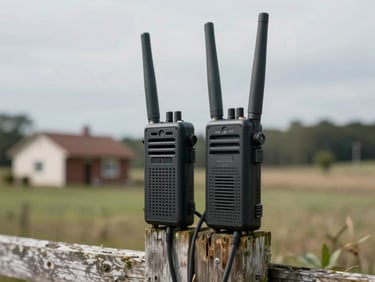
Extend internet to your barn or outbuilding
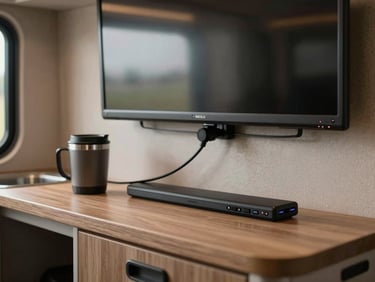
Streaming reliably on a slow or shared connection
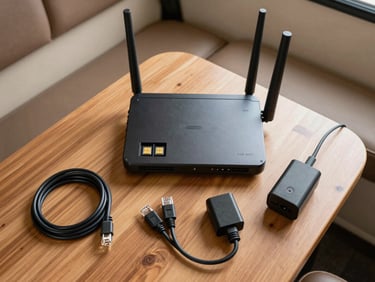
Travel router config for campground Wi-Fi and LTE
Line-of-sight requirements, radio pairing, and PoE wiring so you stop running extension cords across the property.
QoS settings, offline download strategies, and which streaming apps actually work on sub-10 Mbps rural or campground Wi-Fi.
SIM slot, repeater mode, and failover rules — one router that handles both campground Wi-Fi and your cellular backup without manual switching.
Find your specific situation
Starlink
Cell Boosters
Streaming & TV
Point-to-Point
Install, configure, and troubleshoot Starlink in an RV, van, or off-grid property. Covers mounting, obstruction maps, and roaming mode.
Booster selection, antenna placement, and carrier-specific tuning for vehicles and rural buildings where LTE is the primary connection.
Wired and wireless distribution across a rural property — barns, shops, and guest quarters that need real bandwidth, not a Wi-Fi extender.
Device picks, app settings, and offline strategies for getting reliable playback on limited bandwidth — campground or backcountry.